


Gimbal Cameras
Choose the image you need, then review the camera assembly and viewing outputs.
Product catalogs & downloads →Gimbal cameras, ground control stations and video links — selected around your application.
Choose the image you need, then review the camera assembly and viewing outputs.
Product catalogs & downloads →
Choose the operator workspace around your viewing and control requirements.
Product catalogs & downloads →
Define the camera input, receiving equipment and items needed for the video path.
Product catalogs & downloads →Not sure where to start? Share your application and existing equipment.
Start with your selection question, then explore the equipment and details to confirm.
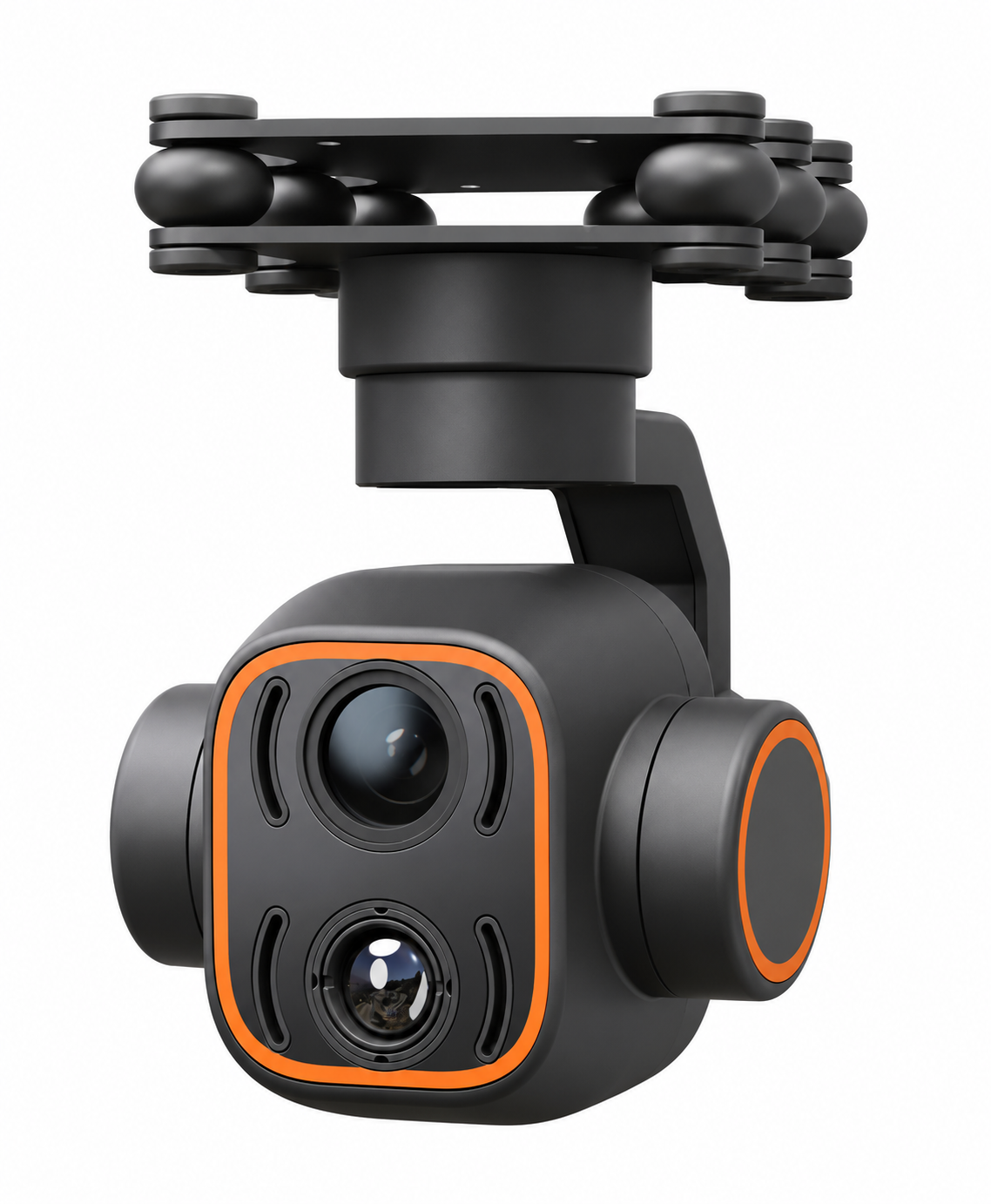
Choose visible, thermal or dual-sensor UAV imaging around the inspection detail, required records and viewing equipment before comparing camera models.
View selection guide →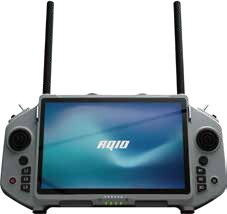
Choose a handheld UAV ground station around the screen layout, software environment, physical controls and equipment included in the proposed package.
View selection guide →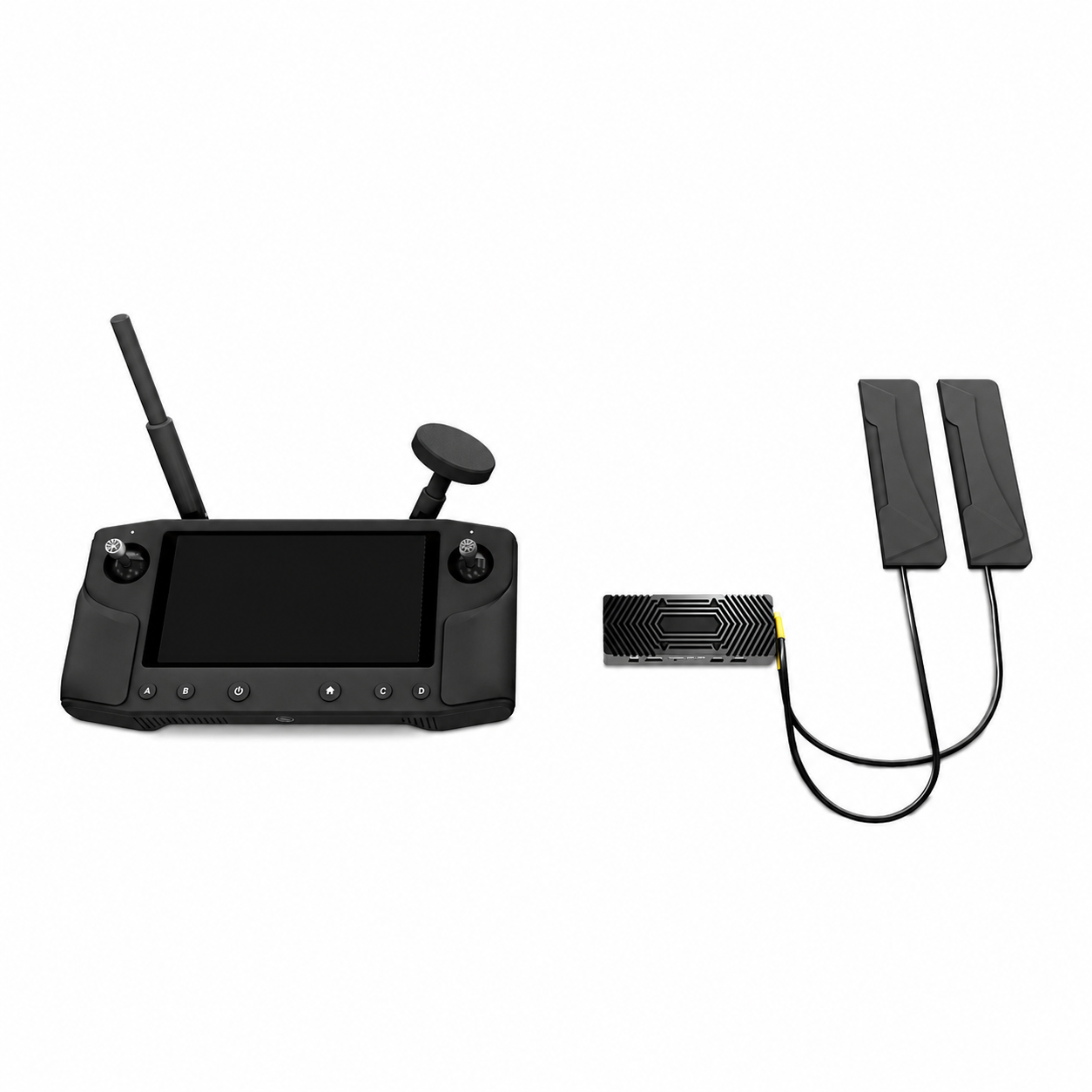
Define the camera, video-link equipment, ground viewing device and accessories as a clear UAV imaging package before requesting an itemised quotation.
View selection guide →


PRODUCTION EXPERIENCE
FLOOR SPACE
CURRENT EMPLOYEES
Find the right fit for your UAV
Start with what you need to see, control or review. Compare the equipment role and model information, then confirm the items needed for your existing setup.
Start with a camera, an operator station or FPV viewing equipment for your imaging or inspection task.
Share your aircraft, software and equipment versions. Use the model documents to check interfaces and supplied items.
Send the intended equipment, quantity and delivery requirements. Confirm the selected configuration and package scope.
Useful details: application, existing equipment, model of interest, quantity and required accessories.
Start with the role you need: a gimbal camera for imaging, a ground station for the operator workspace, or FPV viewing equipment. Then identify the existing aircraft, camera or video system that the new item needs to work with.
Read full answerTell us the civil application, existing equipment and software, preferred model or equipment family, order quantity and destination. Include the items you need in the package and the documentation available for the existing setup.
Read full answerAsk for an itemised list of the model, hardware version, selected options and included accessories. Treat the camera, controller, video-link equipment and viewing devices as separate items until the quoted package explicitly includes them.
Read full answer2026-11-29
2026-11-28


A Complete Viewing Package Around the RS586G609P Drone EO/IR Gimbal
Compare an RS586G609P integrated link with a separate video path. Define visible and thermal viewing, the ground kit, co...

Making Room for Maps and Video on the RQ10 Android Ground Control Station
Plan an RQ10 Android Ground Control Station layout for maps and camera windows. Choose the leading view, readable asset ...

Plan Thermal Scene Coverage with the KIP640G19 19mm Thermal Gimbal Camera
Use KIP640G19 field of view to estimate thermal scene coverage. Match a fixed19mm lens to area, context and detail witho...


 Tel: +86-15059599996
 Email: info@fpvdroneskit.com
 MP/WhatsApp: +86-15059599996
 Manufacturer Address:Quanzhou Valley Nanan Science and Technology Innovation Center, No. 89 Shijing Avenue, Shijing Town, Nanan City, Fujian Province


